Panel for filtering events by a user-defined timestamp range. More...
#include <QWidget>#include <string>#include <vector>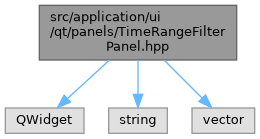
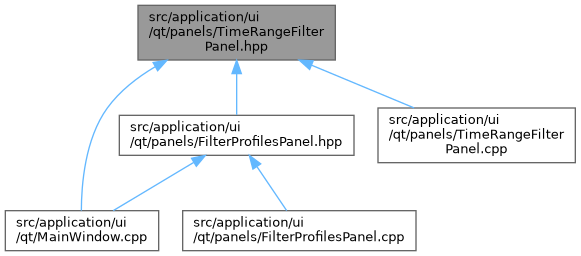
Go to the source code of this file.
Classes | |
| class | ui::qt::TimeRangeFilterPanel |
| Panel for filtering events by a timestamp range. More... | |
| struct | ui::qt::TimeRangeFilterPanel::State |
| Plain-data snapshot of the panel state — used by filter profiles. More... | |
Namespaces | |
| namespace | db |
| Database and data model components for the LogViewer application. | |
| namespace | ui |
| namespace | ui::qt |
Detailed Description
Panel for filtering events by a user-defined timestamp range.
The panel occupies a tab in the Filters dock. The user selects a timestamp field (or types a custom one), optionally fills in ISO-format from/to bounds, and clicks Apply. The filter is evaluated by lexicographic string comparison — correct for any timestamp representation that sorts lexicographically (ISO 8601, epoch strings, etc.). A 'T' and a space between date and time compare alike, and the "to" bound is inclusive at its own precision (a date covers that whole day, a time its fractions).
The complete state can be serialised into a TimeRangeFilterPanel::State value and round-tripped through FilterProfilesPanel for save/restore.
- Typical connections wired by MainWindow
- connect(m_timeRangePanel, &TimeRangeFilterPanel::FilterApplied,m_actorsPanel, &ActorsPanel::Refresh);connect(m_timeRangePanel, &TimeRangeFilterPanel::FilterCleared,m_actorsPanel, &ActorsPanel::Refresh);
- Date
- 2026